Project Administrator Guide
This guide is for users with the ProjectAdministrator role. Project Administrators manage the Projects workspace across all active projects: creating projects, maintaining metadata and ownership, managing members, reviewing financial impact, and configuring alert rules.
What you can do
| Portal area | Route | What you can do |
|---|---|---|
| Dashboard | #/dashboard | Review your own monthly usage and cost summary. |
| Projects workspace | #/projects | List and manage all active projects. |
| Project creation | #/projects | Create new projects with customer, name, description, owner, and provider quotas. |
| Project metadata | #/projects | Update project details, owner, and quota settings. |
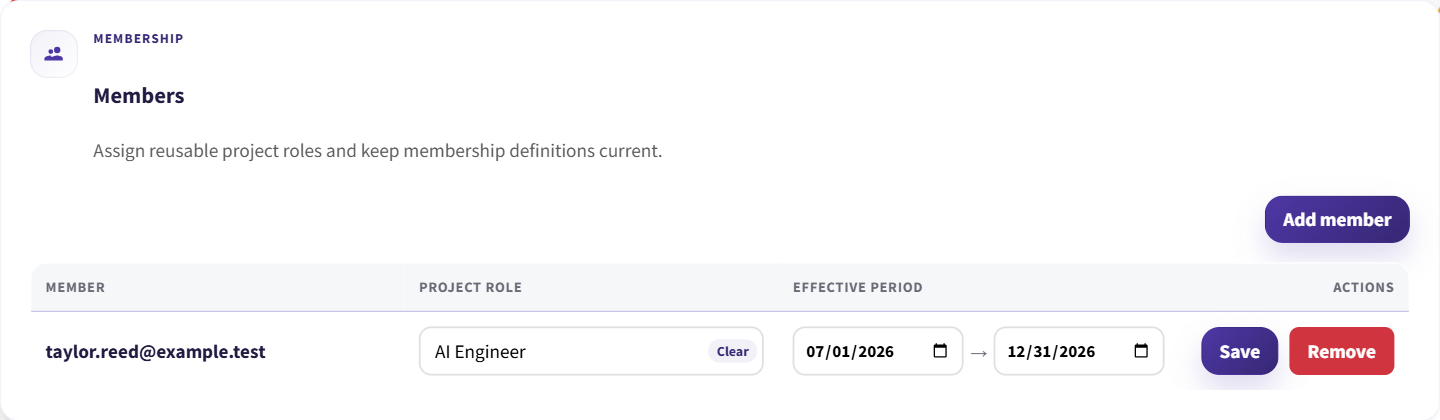
| Member management | #/projects | Add, update, or remove project members and assign business-role labels. |
| Financial impact | #/projects | Review financial impact across all projects and selected months. |
| Ecological impact | #/projects | Review project energy, GHG emissions, water, coverage, and original basis below financial impact. |
| Threshold notifications | #/projects | Configure project PAYG alert rules. |
| Teams | #/teams | Not included — requires TeamManager, delegated Teams access, or Admin. |
| Backoffice | #/backoffice | Not included — requires Admin. |
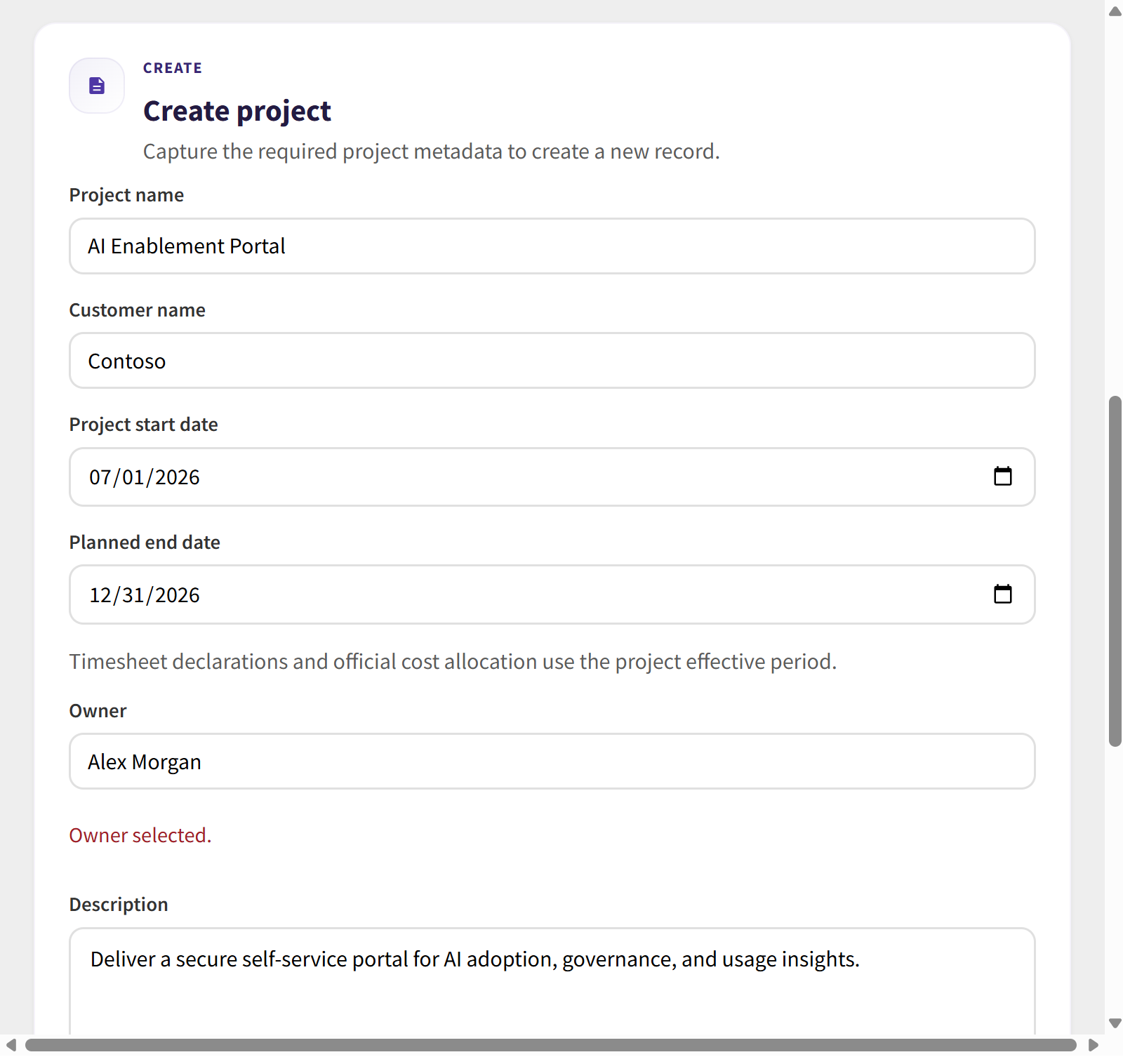
Creating a project
Managing project members
Reviewing project ecological impact
Select a project and month in Financial impact. The Ecological impact panel below it reports estimated energy (kWh), GHG emissions (kg CO2e), and water (L) for the same authorised scope. Effective project/member dates, active providers, and daily validated half-day participation determine allocation. Missing declaration days retain the membership fallback; validated empty days are different from missing declarations.
Open Coverage and bounds, Provider / model details, and Estimation basis to inspect known-token percentages, separate unknown-token counts, original geography, ranges, and factor-specific fallbacks. See coverage and uncertainty: partial subtotals do not imply complete activity, unavailable water is not zero, and 100% of known tokens may coexist with unknown contributions.
Use Retry ecological impact or Retry details for read errors. Changed source/allocation/publication can restart details without mixing snapshots. Previous-configuration estimates retain their labels, while pending/failed replacements keep old values explicitly outdated and outside current totals. Reloads do not recalculate history or change usage credits.
ProjectAdministrator grants project reporting but not shared ecological settings, administrator run history, or historical recalculation. Ask a System Administrator to review source or region issues; do not adjust project quotas to compensate for missing ecological evidence. Admin users can return from shared settings to the selected project/month/financial view.